 July 9, 2026
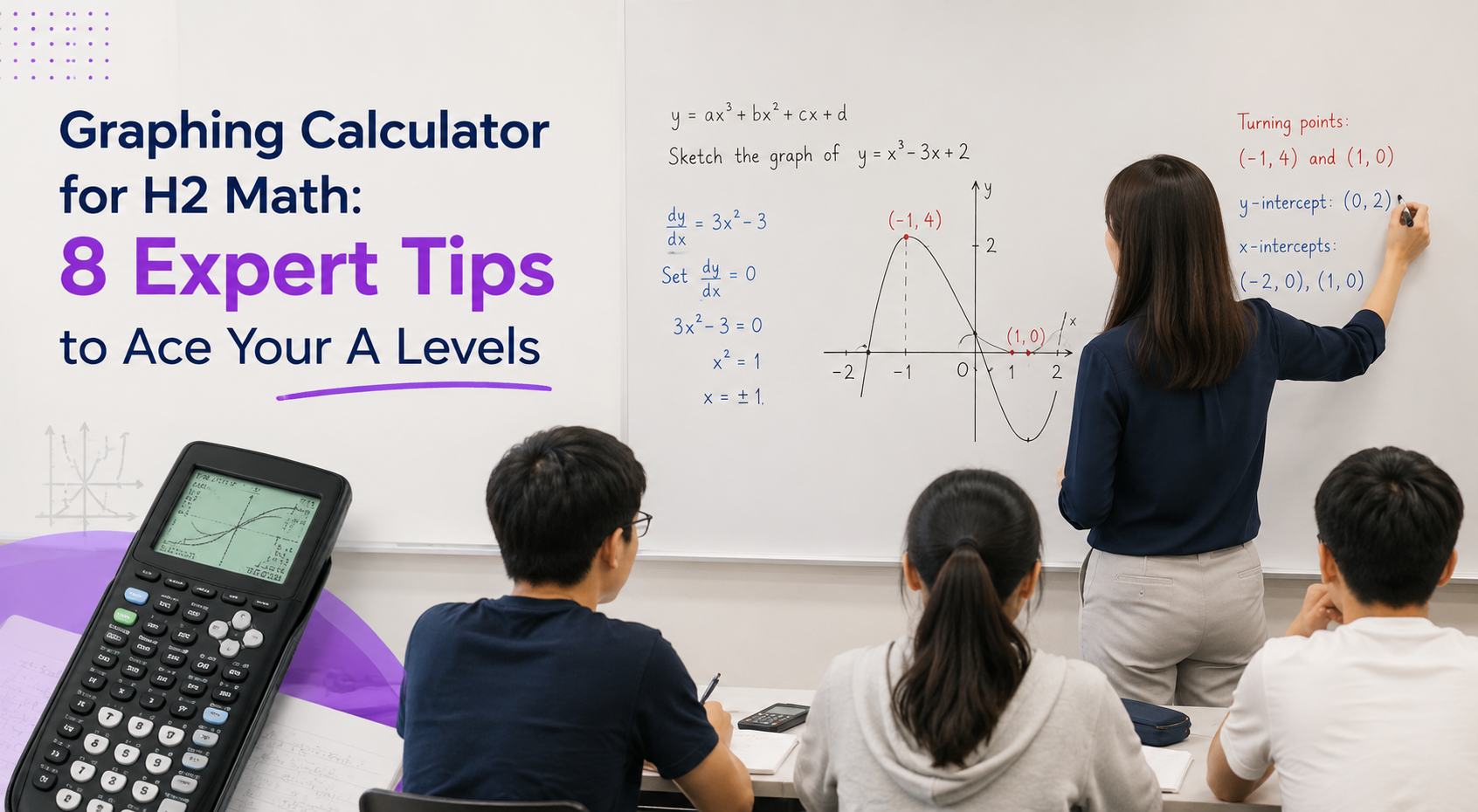
Graphing Calculator for H2 Math: 8 Expert Tips to Ace Your A Levels
Many students spend countless hours revising H2 Mathematics, yet overlook one of the most powerful tools available to them during the A Level examinations — the Graphing Calculator (GC).
For the Singapore-Cambridge GCE A Level H2 Mathematics examination, candidates are expected to have an approved graphing calculator. The examination papers are set with the assumption that every student has access to one. As a general rule, unsupported answers obtained from the GC are accepted unless the question specifically states otherwise.
Students typically begin learning to use the graphing calculator at the start of JC1, giving them about 20 months to become proficient before sitting for the A Level examinations. While the GC is certainly not a substitute for a strong understanding of mathematical concepts, students who are highly familiar with its functions enjoy a significant advantage. Given two students of equal mathematical ability, the one who knows how to fully utilise the GC for H2 Math is likely to solve questions faster, make fewer careless mistakes and perform better under examination pressure.
Here are 8 practical tips to help you maximise the benefits of your graphing calculator.
1. Purchase the Right Graphing Calculator (TI-84 Plus CE) at the Start of JC1
It is advisable to purchase your graphing calculator together with your JC1 cohort during the school’s mass sale. Not only are the prices usually slightly discounted, but this also ensures that you purchase the correct approved model.
The model most commonly used in Singapore schools is the TI-84 Plus CE. Although other approved brands and models, such as Casio, may be permitted, choosing a different model can put you at a disadvantage. Most teachers, lecture notes and online resources provide instructions based on the TI-84 Plus CE. Following classroom demonstrations becomes much easier when everyone is using the same calculator.
I also strongly discourage students from purchasing a second-hand graphing calculator from online marketplaces such as Carousell. While the initial cost may seem attractive, there is always the risk of hardware issues, battery deterioration or unexpected failure before the A Level examinations. Replacing a faulty calculator later often ends up costing more than purchasing a new one from the outset.
2. Explore Your H2 Math Graphing Calculator Early
Once you have your graphing calculator, do not wait until your teacher introduces every function before using it.
Spend time exploring the menus. Draw graphs, explore the different zoom modes, perform calculations and try the applications. The more familiar you become with the calculator, the more confident you will be during lessons.
There are many online resources, instructional videos and even AI tools that can guide you step by step if you are unsure how a particular function works. Every hour spent becoming familiar with your calculator is an investment that will pay dividends throughout your JC journey.
3. Stay Active — Don’t Just Watch — During Graphing Calculator Lessons
One common mistake I observe is that students simply watch the teacher demonstrate the graphing calculator without pressing the buttons themselves.
Unfortunately, watching someone else use the calculator is not enough.
Like any practical skill, proficiency comes through repeated hands-on practice. Physically navigating the menus, locating functions and making mistakes yourself helps build muscle memory. Over time, you will instinctively know where to find important functions instead of wasting valuable examination time searching through menus.
Hands-on practice also allows you to discover the limitations of the calculator and understand when a particular function may not produce the desired result.
4. Learn How to Present H2 Math Solutions Correctly After Using the GC
Although unsupported graphing calculator answers are generally accepted unless otherwise stated, students must still know how to present their working appropriately.
Depending on the question, examiners may expect you to include a table of values, sketch an appropriate graph or explain how the answer was obtained. Simply writing down the calculator output is not always sufficient.
Knowing how much working to show is an important examination skill.
At Debbie’s Learning Cove, I teach students not only how to obtain answers using the graphing calculator but also how to present their solutions clearly according to examination requirements.
5. Discover Hidden Graphing Calculator Functions That Save Exam Time
Many students use only a small fraction of their graphing calculator’s capabilities.
For example, the calculator can automatically store various computed statistical values, eliminating the need to manually transfer numbers into subsequent calculations. This reduces the risk of copying errors and speeds up the solution process.
Students should also be familiar with the different methods of solving equations using the graphing calculator, including:
• Numeric Solver
• Graphical methods
• Relevant applications
Different questions are best solved using different approaches. Understanding when and how to use each method allows you to work far more efficiently during examinations.
These advanced techniques can save precious minutes and reduce unnecessary careless mistakes.
6. Continue Using Your Scientific Calculator Alongside Your Graphing Calculator
Despite the many powerful features of the graphing calculator, I always recommend having both your graphing calculator and your scientific calculator on your desk during every lesson, tutorial and examination.
Many routine calculations, such as fractions, indices, logarithms and combinations (nCr), are often quicker to perform on a scientific calculator. Rather than replacing the scientific calculator, the graphing calculator complements it.
Knowing which calculator to use for each task improves both speed and efficiency.
7. Know When the Graphing Calculator Should — and Should Not — Be Used
Using the graphing calculator effectively is not simply about knowing which buttons to press. Equally important is recognising when it is appropriate to use it.
For example, if a question instructs you to “give your answer in exact form”, then a decimal approximation obtained from the graphing calculator is not acceptable.
Even when calculator use is allowed, students should ask themselves:
• Which graphing calculator function is most suitable?
• Is there a faster approach?
• Can multiple functions be combined to solve the problem more efficiently?
For instance, solving points of intersection involving parametric equations may require combining the Parametric Graphing function with the Numeric Solver.
These strategic decisions come only through experience and guided practice.
At Debbie’s Learning Cove, I teach students not only the technical operation of the graphing calculator but also the thinking process behind deciding when, why and how to use each function.
8. Learn From an Experienced Graphing Calculator Specialist
Over the past two decades, I have taught JC Mathematics and Further Mathematics while integrating graphing calculator techniques into my lessons.
Beyond classroom teaching, I have attended international graphing calculator conferences and seminars, where educators from around the world exchanged teaching strategies and provided feedback directly to the developers at Texas Instruments.
These experiences have allowed me to stay updated on both the latest graphing calculator features and the most effective ways to teach students to use them confidently and efficiently.
Over the years, I have also developed numerous practical shortcuts and examination strategies that help students avoid common mistakes, save valuable time and approach graphing calculator questions with greater confidence. My goal is not simply to teach students which buttons to press, but to help them understand why certain methods work best in different situations so that they can apply these techniques independently during examinations.
Final Thoughts
Success in H2 Mathematics is built on strong conceptual understanding, consistent practice and effective examination techniques. The graphing calculator is not a shortcut that replaces mathematical thinking, but it is an incredibly powerful tool when used correctly.
Students who invest time in mastering their graphing calculator often enjoy significant advantages during examinations. They work faster, make fewer careless mistakes, verify their answers with greater confidence and are better equipped to tackle unfamiliar questions under time pressure.
Like any skill, graphing calculator proficiency develops through regular use and expert guidance. The earlier you begin learning its full capabilities, the greater the benefit throughout your JC journey.
At Debbie’s Learning Cove, students receive systematic H2 Math tuition that combines strong mathematical foundations with strategic graphing calculator training, giving them every possible advantage to maximise their A Level performance.
Ready to master your graphing calculator for H2 Math? Book a trial lesson with Debbie’s Learning Cove today.